
Experience report
Smartphone underwater housings: my experience and a comparison
A smartphone housing is a simple way to capture your dives. The right system depends on your phone, the features you want, and your expectations for photos and video. There is no single right or best underwater housing, which is exactly what makes choosing one challenging.
In brief
- I started with the SeaLife SportDiver; I now use the DiveVolk SeaTouch 4 Max+ and SeaTouch 6 Pro. I still want to test the Mares Smart View 80 myself.
- UWACAM is my camera app recommendation for DiveVolk housings. My Underwater Tools app adds iPhone tools for use in a housing, but it is not a camera app or a dive computer.
- I have used continuous light, red light and UV light. Red filters are a must-have for me; I have not tested SeaLight/SyncFlash or WeeFine.
- My main advice: learn to dive safely first, then add the camera.
Smartphone housings compared
Manufacturer information describes technical specifications and features; I identify my personal impressions separately. Compatibility always depends on the exact phone model.
| Housing | Market introduction | Compatibility | Depth rating | Operation and features | Seal and accessories |
|---|---|---|---|---|---|
| SeaLife SportDiver | 2021 | iPhone and many Android models; check the exact fit in the compatibility list | 40 m | Buttons and the free SportDiver app; no touchscreen access | Vacuum pump and pressure alarm, moisture sensor. Both housings I bought included a red filter and Moisture Muncher. Manufacturer details |
| Oceanic+ Dive Housing | Sep 2023 | Compatible iPhones running iOS 18.1 or later; not Android | 60 m | Button controls; Oceanic+ combines camera and dive-computer functions. Scuba mode requires an active subscription; Gauge mode remains available without one | In-app seal checks and a moisture absorber. Product details · Compatibility and subscription FAQ |
| DiveVolk SeaTouch 4 Max+* | Oct 2024 | Phones up to 180 × 82.5 × 11.2 mm; the matching phone adapter is required | 60 m* | Touch and swipe operation with the phone’s native camera app; touchscreen rated to 30 m by the manufacturer. | No vacuum-pump system; moisture absorber. SeaTouch 4 Max+ manufacturer page |
| DiveVolk SeaTouch 6 Pro | Sep 2026 | Phones up to 180 × 82.5 × 11.2 mm; camera lens up to 17 mm; dedicated 6 Pro adapter | 60 m | Touch and swipe operation with bare fingers, according to the manufacturer, down to 60 m | No vacuum-pump system; moisture absorber and red filter included. Manufacturer details |
| Mares Smart View 80 | DEMA preview: Nov 2026; official launch and sales reportedly planned for Jan 2027 | iOS and Android; the DEMA report says it fits nearly all iPhones and Android phones | 80 m | Camera and dive-computer functions; according to the product presentation, it retains a bottom timer without a subscription, with advanced computer functions available by optional subscription | Vacuum system and aluminium front housing; further details from the product presentation. Not tested by me. DEMA report |
* DIVEVOLK rates the housing to 60 m and touchscreen operation to 30 m. Specifications and compatibility depend on the exact phone and accessories.
My experience with smartphone housings
I got my first underwater camera in fifth grade: a 35 mm film camera that I used for snorkelling. I had to get the film developed before I could see what I had photographed. When I later started scuba diving, I began with a Canon compact camera in a plastic housing. A camera really was the first piece of diving equipment I bought. On my first diving holiday in Egypt, my guide Ändu advised me after the first dive to leave the camera on the boat and focus on diving first. It stung at the time, but looking back, he was right and explained it very gently.
I was sceptical about smartphone photography underwater for a long time: a proper camera would always be better, and I did not want to lose my phone on holiday. Eventually I took the plunge and started underwater smartphone photography with my iPhone 15 Pro and a SeaLife SportDiver.
SeaLife SportDiver
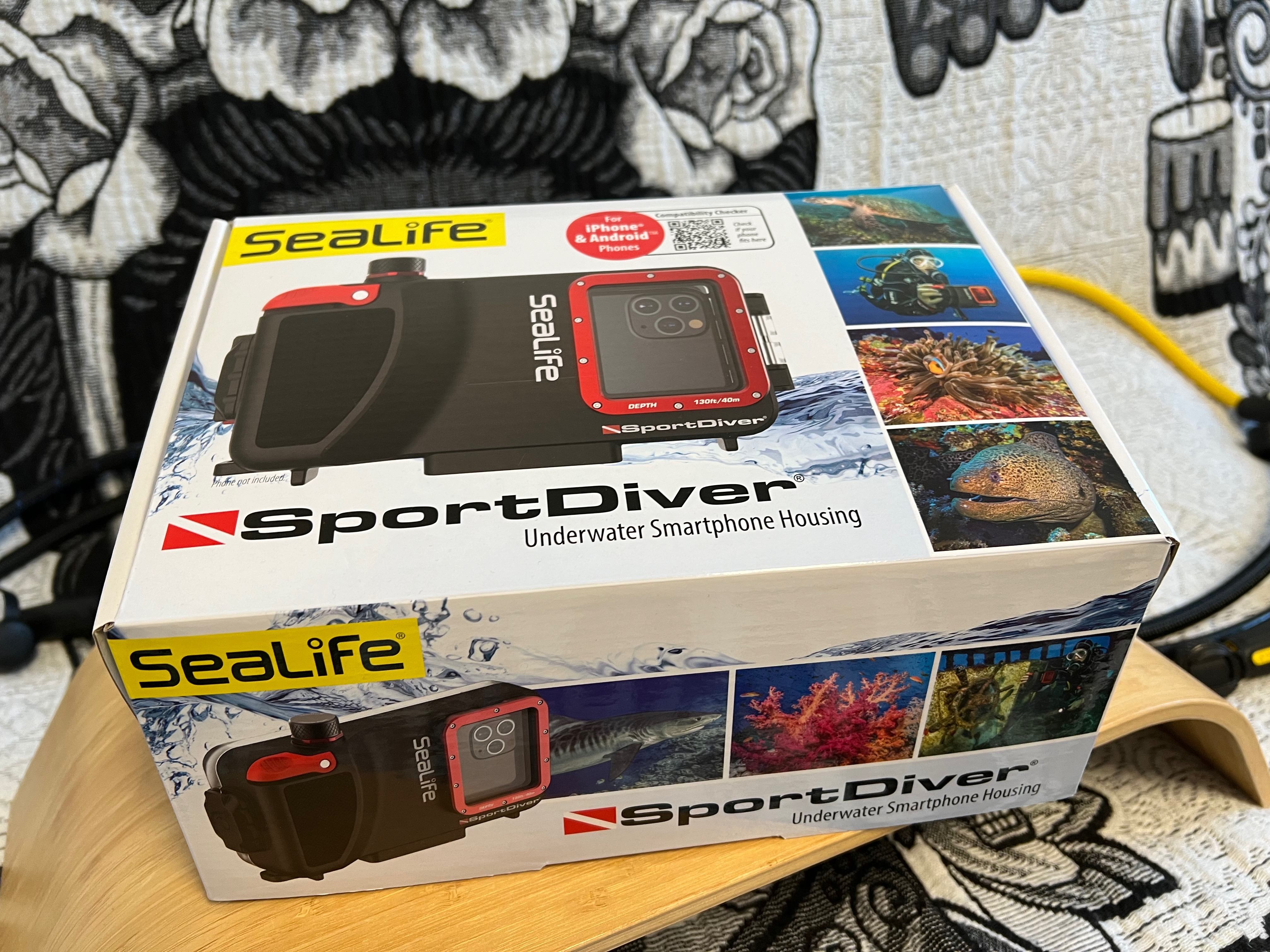
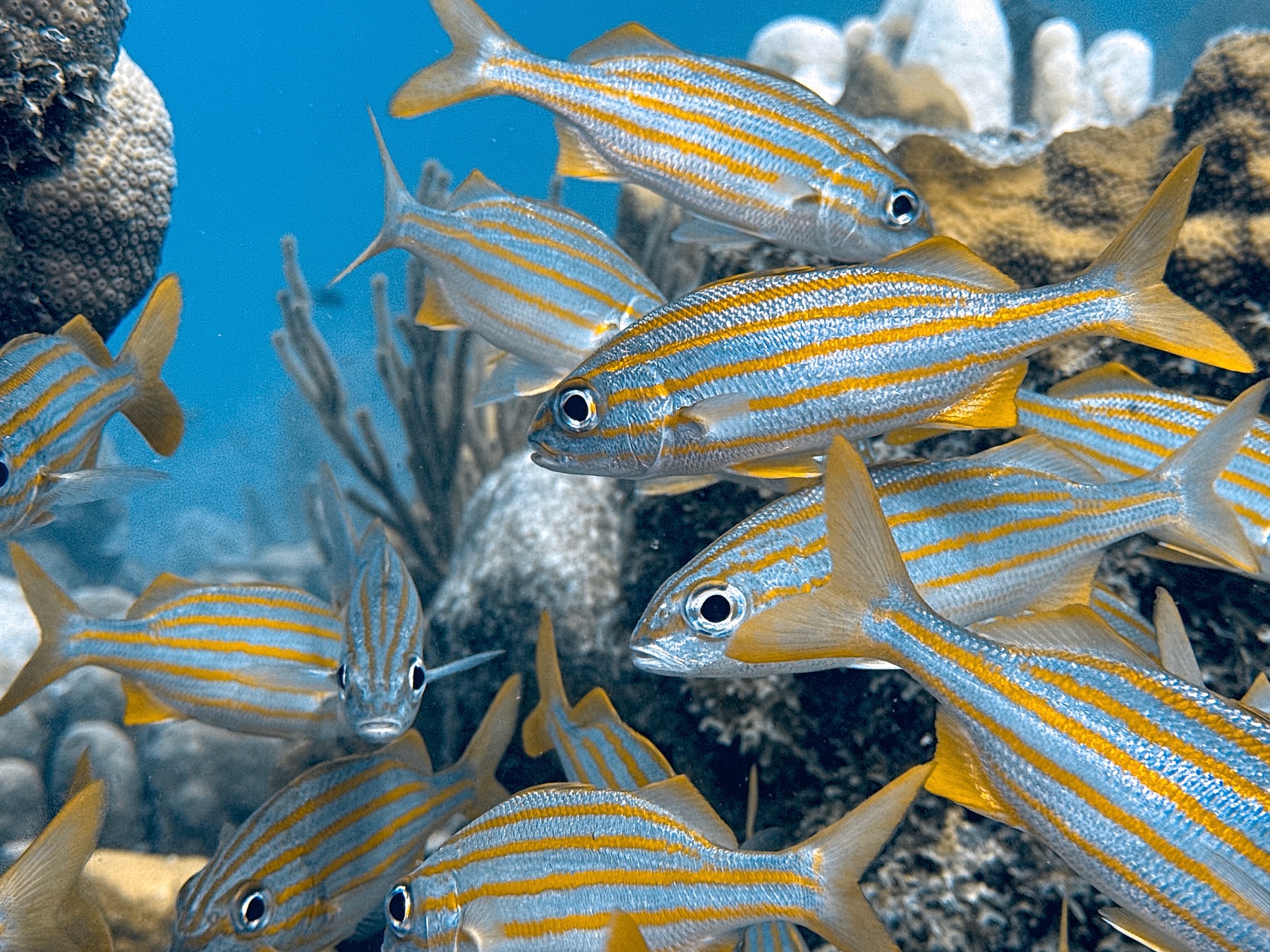
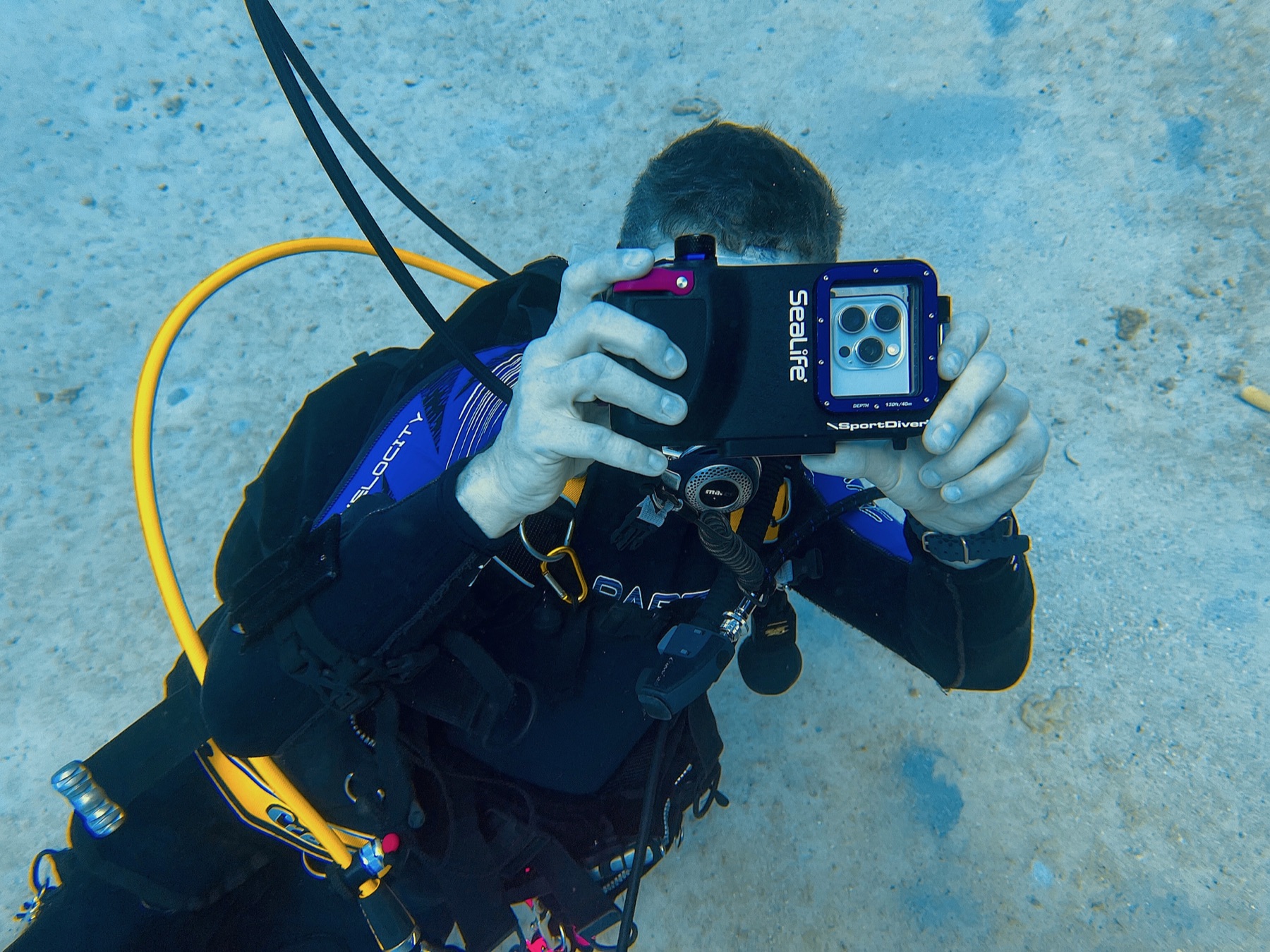
The SeaLife SportDiver was where I started. It was my first smartphone housing and the starting point for my later experience with other systems.
Oceanic+ Dive Housing
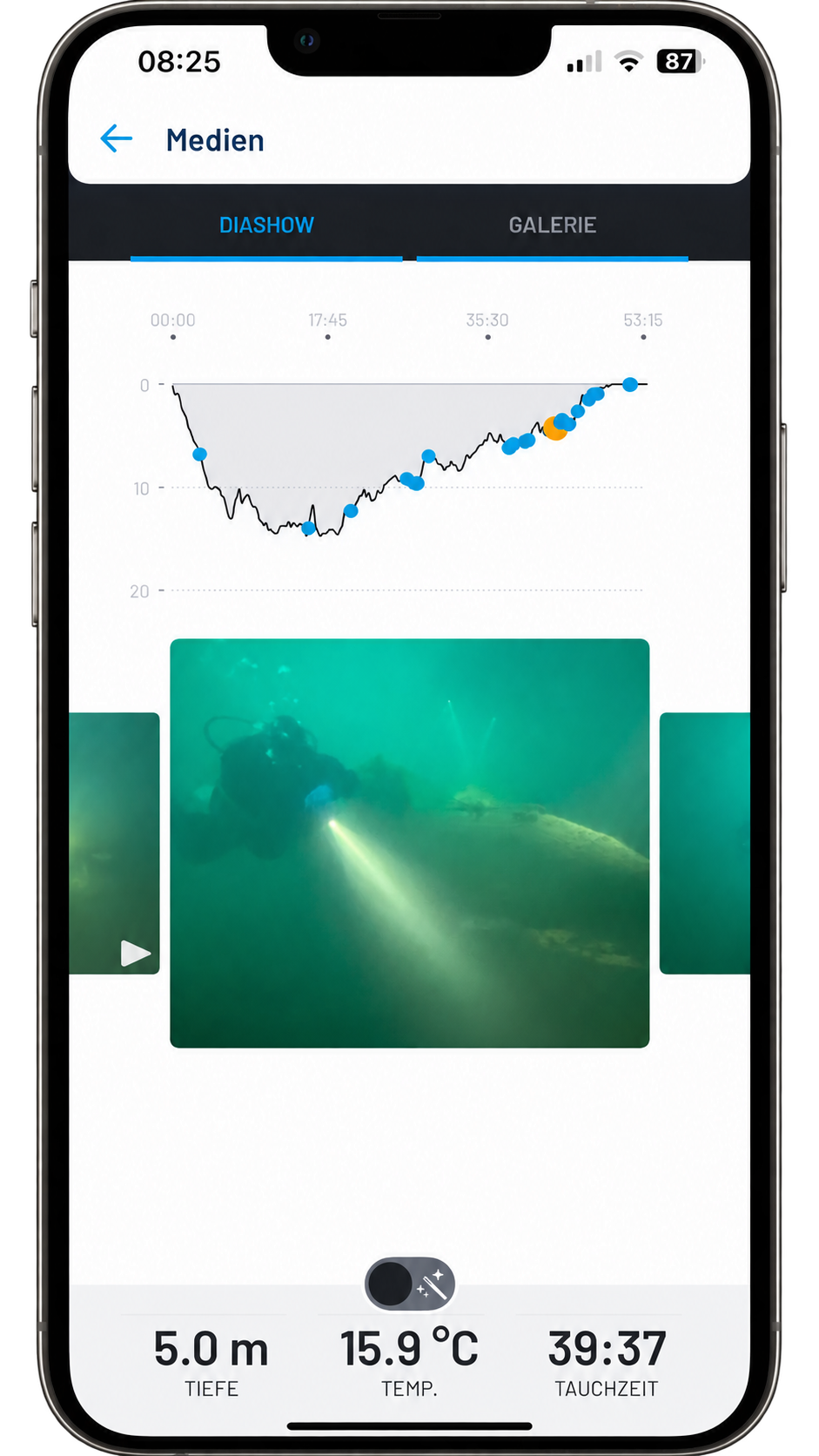
I have only briefly tested the Oceanic+ Dive Housing because we also offer it in our shop. My first impression was positive: it feels well made, although rather heavy. I find its connection with the Oceanic+ app interesting. For example, dive depth and other dive data can be associated with the photos, so you can later see at what depth you took them.
The comparatively high purchase price and the extra subscription for advanced features appeal to me less. I am generally not a fan of subscription models, especially when the hardware already costs a lot. I also found the software a little buggy during my first experiences. Since I only tested the housing briefly, this is not a final assessment.
DiveVolk SeaTouch 4 Max+
The SeaTouch 4 Max+ was the next housing I bought. I like the touchscreen operation of the DiveVolk system: it lets me use the familiar camera app on my iPhone underwater. For photos, though, the touchscreen is not always ideal. I find the external Bluetooth shutter very useful and use it regularly.
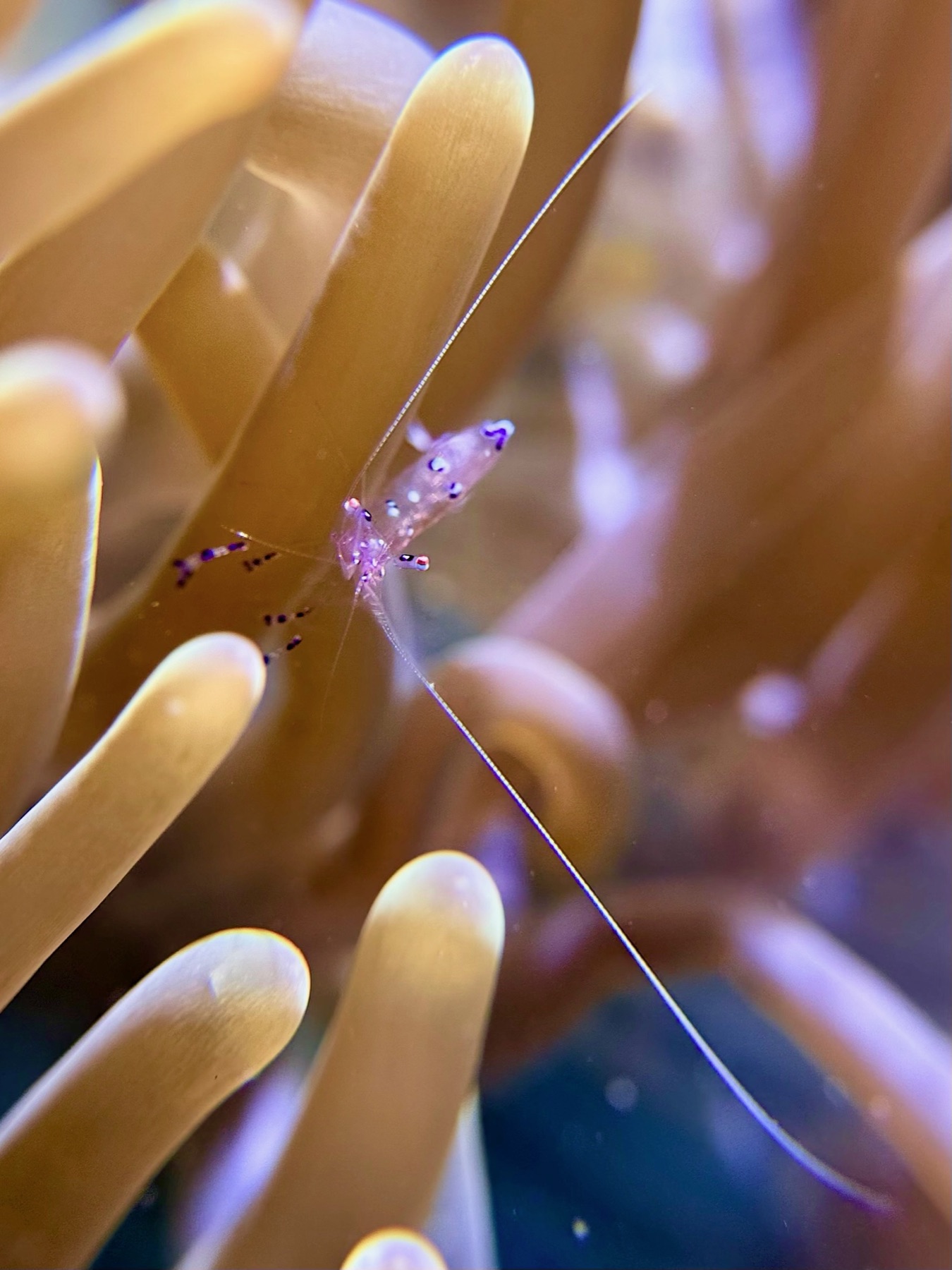
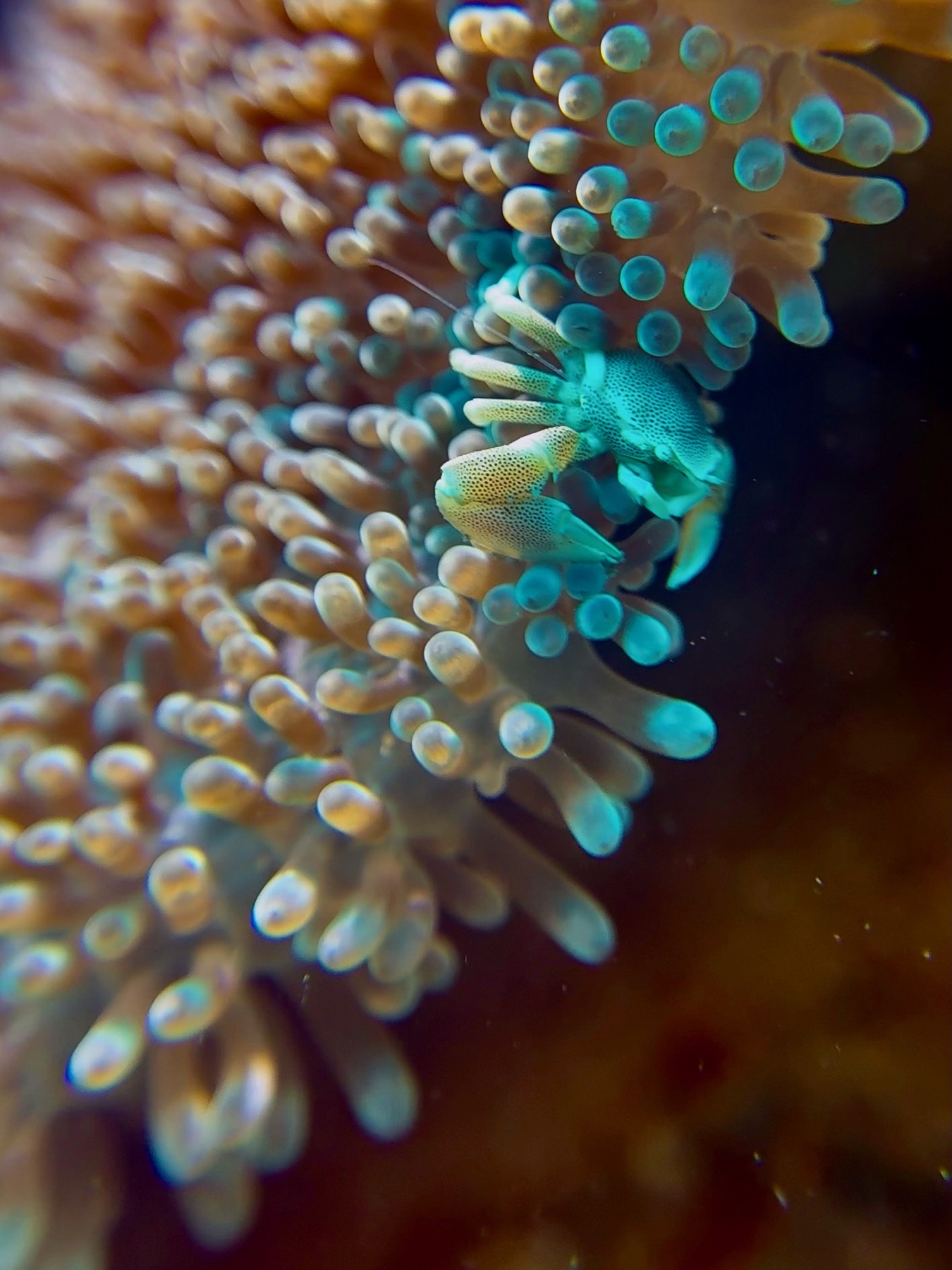
DiveVolk SeaTouch 6 Pro
I switched to the SeaTouch 6 Pro because of its improved touchscreen operation. I especially like that I can leave the screen protector on my iPhone and still swipe the screen.
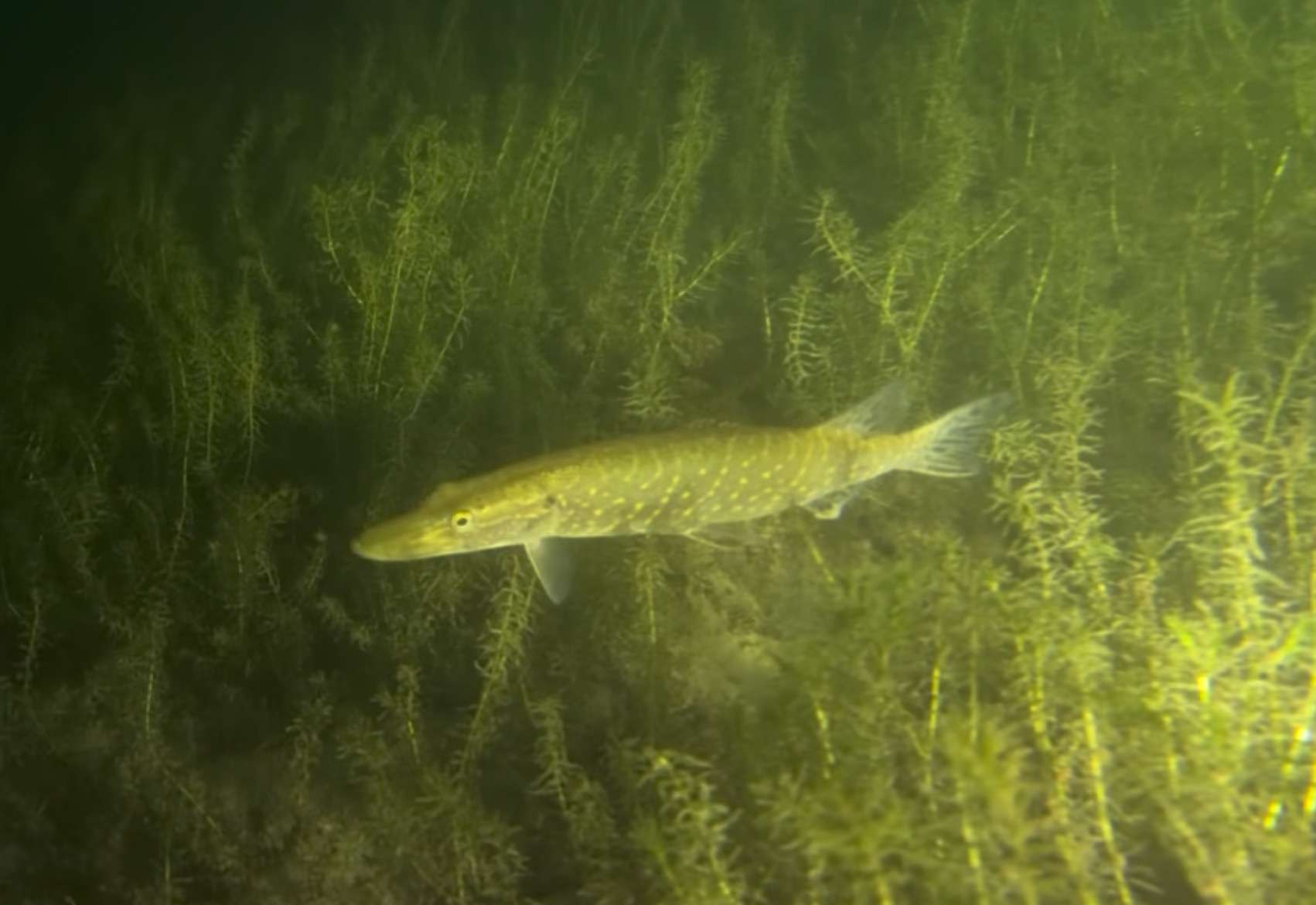
I am still getting experience with the new housing. This is one of my first photos with it; I will update this section once I have more to share.
Mares Smart View 80: looking forward to trying it
I am looking forward to the Mares Smart View 80. As an SSI Pro, I have already ordered the housing and received a preview of its features and technical specifications. I hope it arrives soon so I can write a detailed experience report. Since I am not sure which details from my preview are already public, I am focusing here for now on the essential information that can be checked publicly. The housing was also previewed at DEMA: here are the DeeperBlue report and the DEMA session on HEAD Watersports. According to DeeperBlue, the official launch is planned for BOOT in January 2027, with sales also expected to start in January. I have not tested the housing myself. The concept combines smartphone photography with dive-computer functions and is intended to support iOS and Android. I am particularly interested in the automatic vacuum system, internal pressure sensor and alerts, as well as how the camera and media features work.
I am wary of the subscription model here too. According to the presentation, it is optional with Mares: without it, the system remains usable as a bottom timer, while the advanced dive-computer features require a paid subscription. I can only judge how well it works in everyday diving after trying it myself. I will look at touchscreen use, the seal check, camera, compatibility, handling and the subscription’s actual value.
UWACAM and my Underwater Tools app
For a DiveVolk housing, I see UWACAM as a must-have worth checking out. The app is designed for DiveVolk SeaTouch housings and combines photo and video capture with an interface intended for underwater use. That is my recommendation for the camera side of the setup; specific app features and supported devices can change with updates.
My own Underwater Tools app has a different role: it is a toolbox for using an iPhone in an underwater housing, regardless of the housing brand, not a camera app or a dive computer. It includes a digital slate, communication cards, a signal tool with sound and flash, a compass, checklists, timers and small games. It has no depth sensor, so it does not display dive-computer data.
Lighting
I distinguish between video lights and camera strobes: a video light is not a photo strobe and may be more likely to scare away marine life. So far, I have only used continuous lighting with my smartphone: white light, red light and UV light. The documentation suggests that the WeeFine WFH07X can trigger a flash via fibre optics: the WFH07X manual describes a Fiber mode for compatible WeeFine lights, and WeeFine lists the WFS09 as a ring strobe. However, the current DiveIT Guide 1.8 describes the flash function differently. I could not conclusively verify which specific strobe models work reliably with the WFH07X, and I have not tested it myself.
For my DiveVolk housing, the SeaLight/SyncFlash setup sounds interesting: DiveVolk describes it explicitly as a smartphone strobe with synchronized firing and positioning up to 70 cm from the phone. Those are manufacturer claims; I have not tested the setup. For the original SeaLife SportDiver that I use, the manufacturer says the phone’s flash and external strobes are not supported and recommends photo-video lights instead. DiveVolk on SeaLight/SyncFlash · SeaLife SportDiver product details
For me, extra lighting is not automatically part of every housing setup. A light or strobe adds equipment and can affect handling, buoyancy and packing size. Red filters, on the other hand, are a must-have for me. Lighting is essential on night dives; at greater depths, colours are also lost without extra light and images look increasingly blue. What makes sense depends on what you want to photograph or film.
Learn to dive first, then take photos
My main advice to anyone starting underwater photography is: first, you really need to learn to dive. It is hard to name a specific number of dives. It depends on how comfortable you are and where you gain your first experience. A small buoyancy mistake over sand is different from one over a fragile coral reef, where you could cause damage.
Today I am an SSI Photo & Video Instructor. I can share a few tricks to help beginners take better photos and videos. At the same time, many divers take much better photos than I do – and even more people take worse snaps. ;-) Buoyancy, trim and moving safely underwater should feel solid before the camera gets much attention.
Who is a smartphone housing for?
It is a simple way for photography beginners and holiday divers to capture memories. More ambitious underwater photographers can use one too, as long as they understand its technical limits. By photography beginners, I do not mean beginner divers; I mean people who are new to underwater photography.
- Smartphone in a housing: handy when I want simple photos that are already on my phone.
- Olympus TG-7: my choice for macro photography or when I want to use an external strobe.
- Insta360 X5: I like using it to document a dive.
For me, these systems complement one another. A smartphone housing does not automatically replace a dedicated underwater camera, but it is a very practical addition.
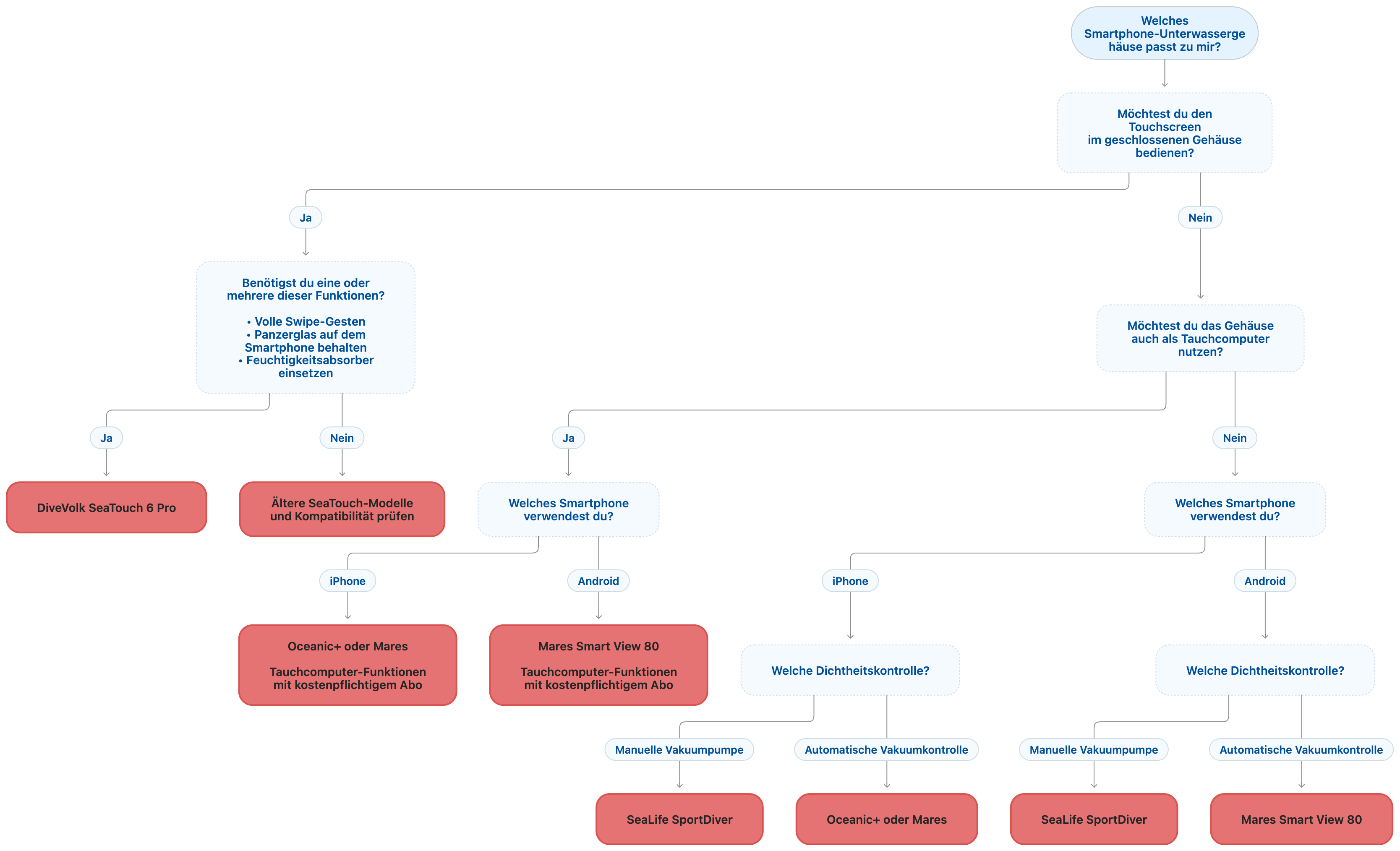
Interactive finder
What matters to you in a smartphone housing?
Open finderClose finder
The finder uses your requirements to suggest suitable candidates. Before buying, check compatibility with your exact smartphone model.
Transparency and sources
Disclosure: I bought the housings I own. As an SSI dive instructor, I received a reduced price for the DiveVolk SeaTouch 6 Pro and the Mares Smart View 80. UWACAM is a paid app that I can use free of charge as a dive instructor; I receive no compensation for recommending it. If you buy through my DiveVolk affiliate link, I may receive a commission. I keep my own tests separate from manufacturer information.